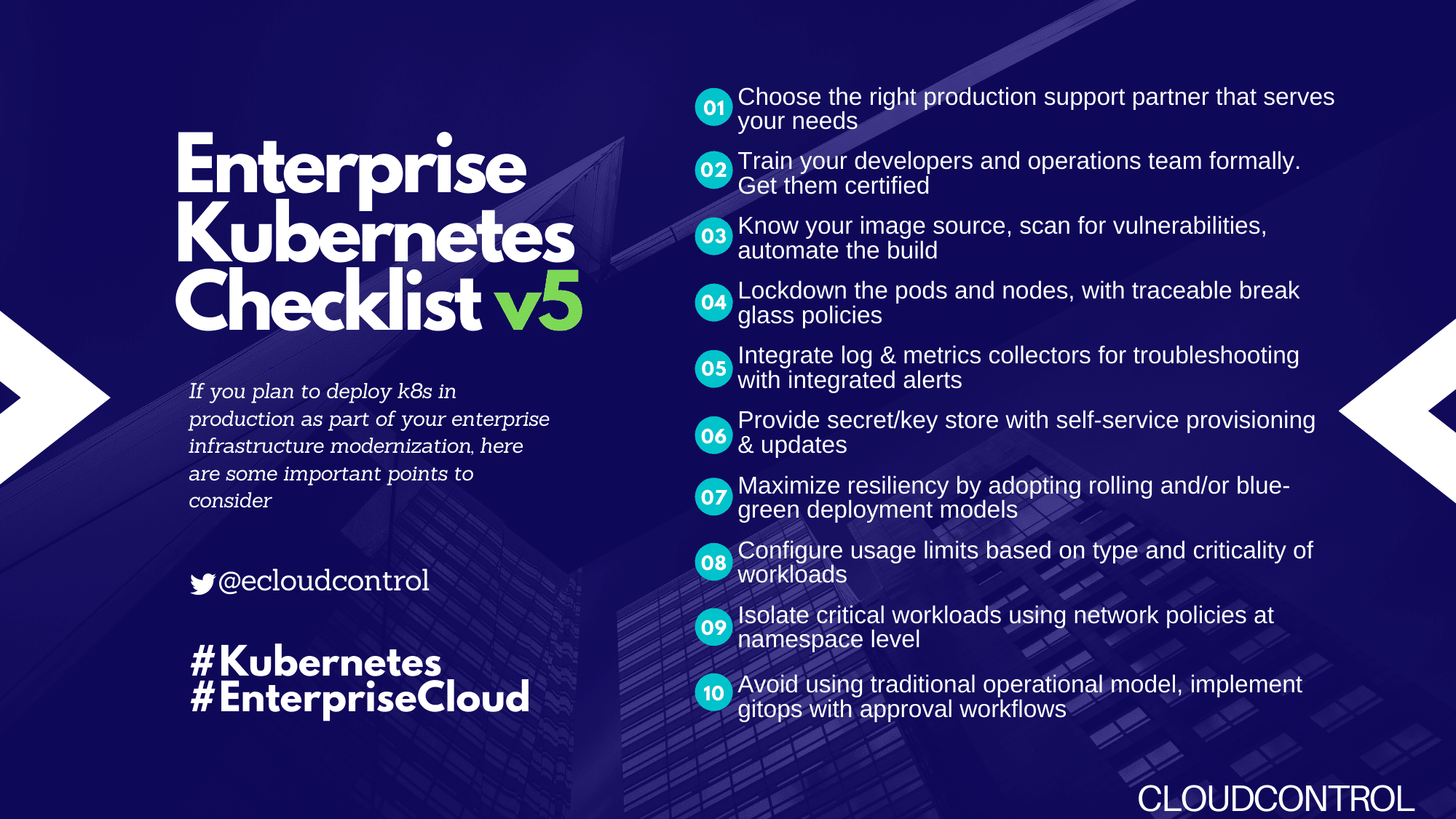
Kubernetes Production Readiness ChecklistRunning and managing applications anywhere, on-premise or cloud, with agility and scalability is why Kubernetes is the number one orchestrator. Its ability to self-heal nodes and applications, autoscale the infrastructure and adapt to the expanding business is very attractive proposition for enterprise. Kubernetes as technology is still emerging and rapid changes are taking place within its framework as well supporting toolsets through multiple open source projects.
Use the attached checklist to create or validate a robust and reliable Kubernetes Production setup for running critical applications.
- **Availability **
Configure liveness and readiness probes
Setup replicated master nodes in odd numbers, minimum 3
Setup isolated etcd replicas on dedicated nodes
Schedule regular etcd backup
Setup distributed master nodes across zones
Setup distributed worker nodes across zones
Configure Autoscaling for both master and worker nodes
Configure active-passive setup for scheduler and controller manager
Configure the correct number of pod replicas for high availability
Setup Ingress controller and/or API Gateway
**Resource Management **
Segregate the Production Kubernetes Cluster from DEV/UA(physical or logical) and configure usage limits.
Configure resource requests and limits for containers
Create separate namespaces for your business units and teams
Configure default resource requests and limits for namespaces
Attach labels to Kubernetes objects
Limit the number of pods that can run on a node
Reserve compute resources for system daemons
Configure out of resource handling
Storage Management
Use Cloud provider recommended settings for Persistent Volumes
Include Persistent Volume Claims in the config and never use Persistent Volumes
Create a default storage class
Give the user the option of providing a storage class name
Enable log rotation
Security
Use the latest Kubernetes stable GA version
Enable RBAC (Role-Based Access Control)
Follow user access best practices
Enable audit logging
Set Up a Bastion host for controlled access
Choose a Network plugin and configured network policies
Enable data encryption at rest
Disable default service account
Scan containers for security vulnerabilities
Configure security context for pods, containers and volumes
Enable Kubernetes logging
Lockdown the pods and nodes, with traceable break-glass policies
Provide secret/keystore with self-service provisioning & updates for infrastructure and applications
Scalability
Configure the horizontal autoscaler for deployed pods and replicasets
Configure vertical pod autoscaler
Configure cluster autoscaler
Monitoring, Alerting, Logging & Analysis
Set up a monitoring pipeline for Kubernetes infrastructure and deployed pods
Select a list of metrics to monitor
Integrate with other Enterprise tools sets, if any
Setup alerting and self-healing with threshold.
Store both infrastructure and application logs in centralized logging framework with indexing and RBAC
Setup alerting, report/summary generation and archival based on the logs collected
Setup Log rotation at application level to reduce the storage growth and avoid performance issues
CICD
Implement Secure CI/CD pipelines for Continuous Delivery
- Enable GitOps with approval workflow to have traceability
- Test, integrate and scan for vulnerabilities
- Build and deposit container artifacts to the Enterprise registry
- Tag the artifacts with Git commit SHA to enable auditability
- Adopt rolling and/or blue-green deployment models to avoid downtime
About The Author*### Sanjeev KumarHead of Product, Cloud Control
Sanjeev has more than 20 years of experience in design, development and architecture of FinTech solutions at BNY Mellon and State Street. He is passionate about automating and reducing the challenges of overall IT implementation. He is a firm believer in IT becoming a utility with major Cloud vendors like AWS, Azure and Google providing the backbone with simple/standardized interfaces for secure and faster application development at reduced cost and complexity.
Checklist- * On Linked-In